Pages

Showing posts with label Badges. Show all posts

2.09.2014

Badges on Moodle!

Since I first wrote about digital badges back in June, I've had badges on my to-do list. Moodle now has integrated badges, so it's possible to assign badges to students for just about any reason. I finally got around to playing with Moodle badges this weekend, and though I'm sure I have a lot to learn about creating and assigning badges, I did manage to assign my first badge.

Moodle allows instructors to assign course badges to students, either manually or automatically based on the completion of activities. For my first badge, I chose to create a badge that students will receive when they successfully log into Moodle for the first time. (This is actually a pretty big task for our students, because some of them really struggle with their intial MyLane log-ins, creation of pass phrases, etc. In addition, the way we assign CRNs in our department is a little different, and while students usually get populated into the correct Moodle classes, sometimes they need to self-enroll.)

I created my first badge by feel and a good dose of trial-and-error. There is a "Badges" link under Settings in Moodle now, with options to manage badges or add a new badge. Since I was starting from scratch, I chose to add a badge. Adding a badge is as simple as giving your badge a title, entering a description of how students earn the badge, uploading an image for the badge, entering issuer name and contact info, and then setting the expiration date ("never" is the default).

This all seemed pretty straightforward, but I wanted more information about creating badges elsewhere (on a site such as Credly, for example) and then importing them or connecting them to Moodle. I spent some time searching through Moodle Docs, but I never really found the information I was looking for. (Generally, I find Moodle Docs to be less than satisfying - I find the explanatory information to be little more than what I can figure out myself by playing with Moodle features, and following its links to track down information is like wandering through a maze.) I found some forum posts that implied that you could import badges made on other sites, but I never found instructions on how to do anything more than use an image of a badge. So, that's what I did. I copied the image of a badge that I created in Credly, and pasted that into Moodle.

Once I had added my badge, I was given a prompt to make the badge available and manually issue it to students. This was easy - I simply selected eligible students from a list. From there, I did a little searching around and figured out that to make the badge visible on the Course homepage, I needed to add a "My Latest Badges" block to my course page.

Sooo...I think that I successfully added a badge to my Moodle page. If it really is that easy, I'll be adding more badges soon. Still on my to-do list will be to do a little more research outside Moodle Docs and figure out the connections between Moodle badges and all of the other badge creation and collection sites. I'd like to figure out not only how to import badges from other sites, but how students can take their badges with them. There's always more to learn...

6.19.2013

Digital Badges


As a young Girl Scout, I was a fervent badge-earner, so when I saw the listing for the Badges in Education workshop during Spring Inservice, I knew where I'd be spending an hour. For those of you who didn't attend the workshop or don't know about digital badges, today's badges don't get sewn on a sash - they are digital icons that students can earn in recognition of various achievements.

Digital badges are an example of the gamification of education: the application of gaming principles to educational settings. If you've ever played a video game in which you were rewarded with a new life, a special power or tool, or some other kind of recognition or bonus for earning a certain level of points or reaching some other achievement, you'll understand how digital badges work. Just as many of us will repeat levels of Angry Birds in order to achieve the full three stars on each level, students are motivated to complete lessons or quizzes in order to earn digital badges that they can post and share on course management or social media sites. (For more on gamification, see Gabe Zichermann's TED Talk ).


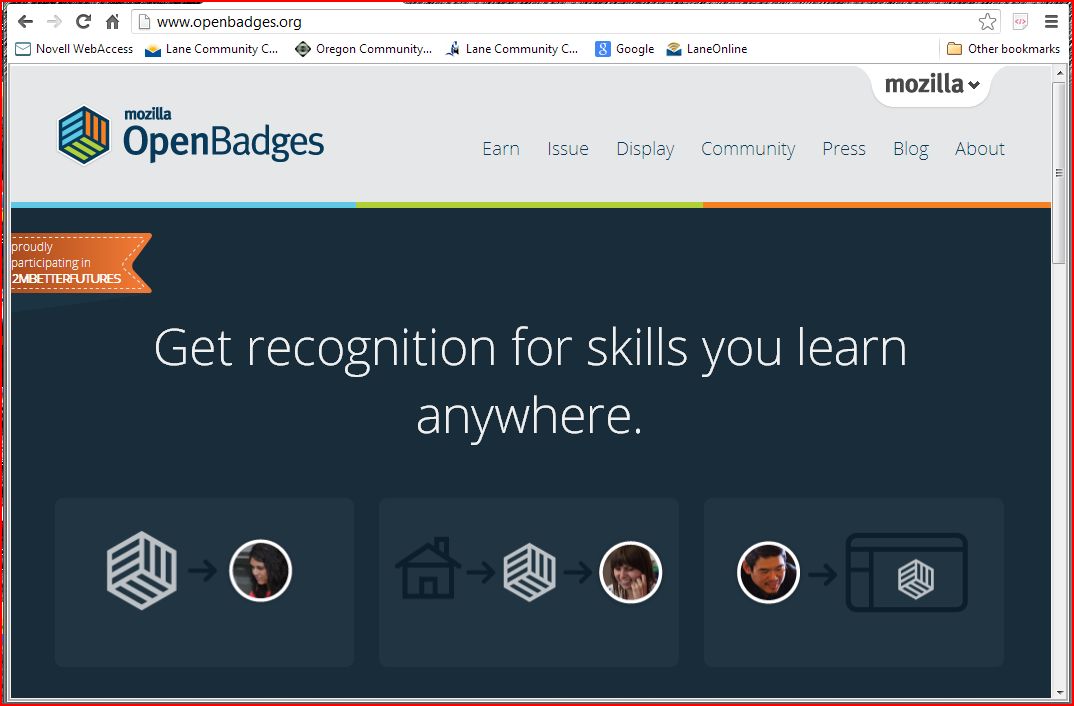
 So how are digital badges any different than sticking a gold star or stamping a smiley face on a student's paper (also surprisingly good motivators, I've found)? Well, because they are digital, they can be more widely shared. Sure, a paper with a sticker or stamp can be shown to friends and parents, or hung up on the fridge, but that's about as far as most students would choose to share them. Digital badges, however, are portable - they can be shared on special badge sites, such as Mozilla Backpack, on social media sites like Facebook or Twitter, or on a personal web page or blog. As a result, students can show off their badges to a larger audience for an indefinite period of time.

Perhaps the key difference between a sticker and a digital badge is that the badge is embedded with metadata that authenticates the issuer, the requirements for earning the badge, and other information. This gives the badge a legitimacy and use beyond the original issuer and recipient. A student could use badges as evidence of accomplishments in a portfolio or resume, for example. In my department, where we do not issue grades or credit, badges could serve as evidence of successful completion of units, classes, or skill levels.

Mozilla has a good FAQ with more information on digital badges here.


Following the workshop, I created a Mozilla Backpack account and completed my first badge - the Web Navigator badge, which required that I practice some simple web navigation tools. I then opened an account with Credly, a site where you can build and issue your own badges. Credly has some nice customizable badge templates, or you can start from scratch with your design. I chose to start with a template, and it took me about ten minutes to design a badge that I plan to use for completers of my Math 4 class. The design process was very straight-forward; the hardest part was deciding what information to include in the badge description. This
probably would have been easier had I looked at the information attached to other badges before I started mine, but I just jumped in with both feet. Fortunately, it's pretty easy to edit badge information.

Students don't have to be members for you to issue them credit - if they are, you can easily use their member names to send them credit, but you can also send them a badge via email. You can also upload a csv file to send a badge to a whole group. When you issue credit, there is also an option to add a testimonial about the student's achievements and a link to add evidence from a web page that supports the student's accomplishment.

I plan to use badges in my courses next term. To begin with, I plan to offer badges for completion of units and the course - and I imagine I'll structure the badges so that students must earn the full set of unit badges in order to earn the course completion badge. In the future, I can see breaking this down even further - giving concept badges or project badges, which lead to unit badges, which lead to course badges - but for now I plan to start with a simple structure. I understand that the newest version of Moodle will incorporate badge display, which will make it even easier to issue and use badges in our classes.